Unified Access
For Shared Data
Control file access from one platform.
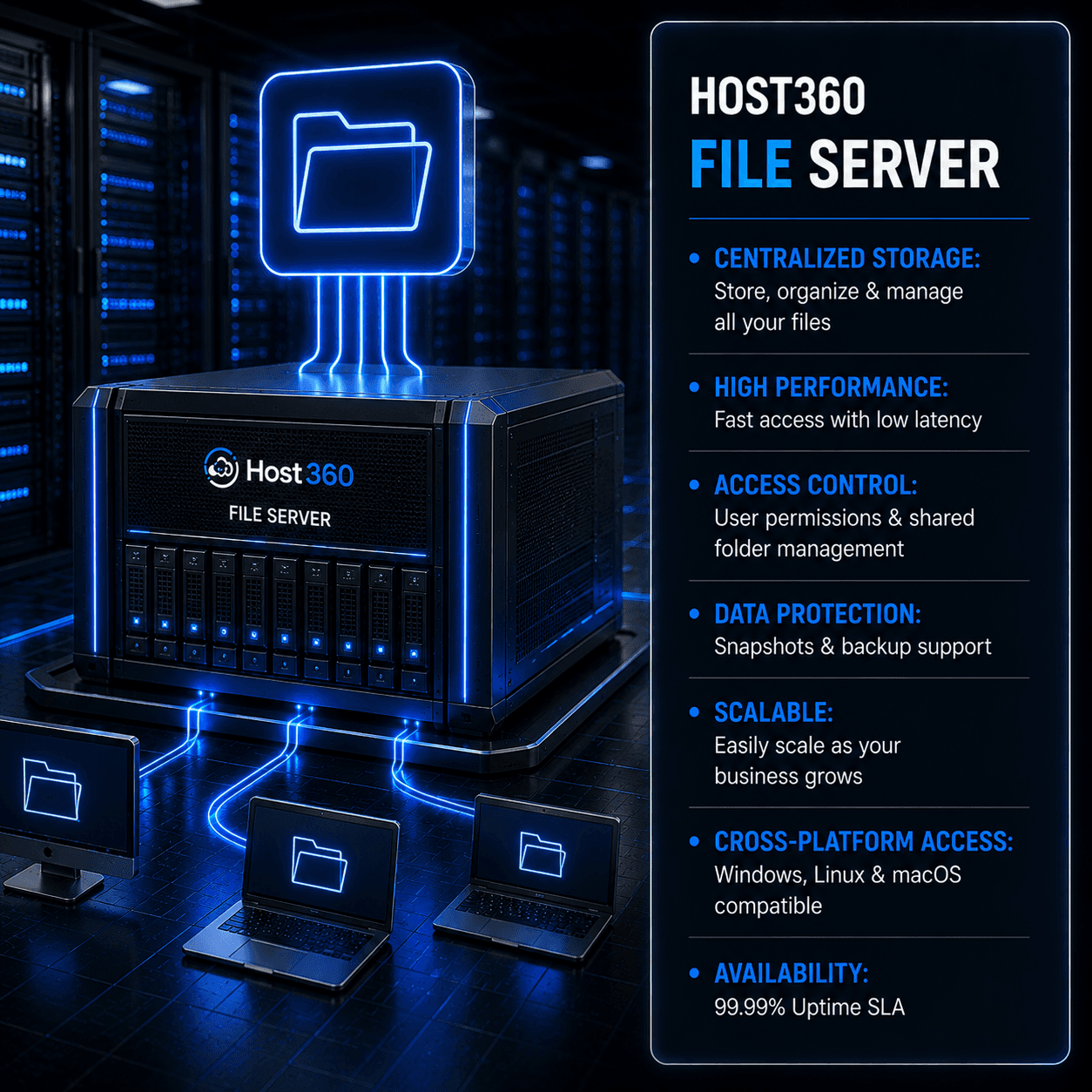
Deploy centralized file storage for applications, development, content repositories, analytics, and collaboration. Host360 File Server delivers shared file access with scalable capacity and centralized management.
From early-stage AI startups to Fortune 500 R&D labs.

TECHNICAL SPECIFICATIONS
Host360 File Server enables centralized storage management through standard file sharing protocols commonly used across Linux and Windows environments. Designed for organizational file access, collaborative workflows, and persistent storage requirements.
Host360 File Server supports business, application, research, and development workloads requiring centralized file access and persistent shared storage.
Improved file accessibility and centralized document management.
Persistent storage accessible across multiple workloads.
Centralized access to development resources.
Efficient access to shared digital assets.
Persistent storage accessible across multiple workloads.
File Server Capabilities
Centralize file access and administration.
Control file access from one platform.
DEPLOYMENT
Provision and manage centralized file storage through a structured deployment workflow.
Select a file storage approach based on access requirements, workload type, and organizational needs.
| Feature | Business Collaboration Team Storage Designed for departmental file sharing. Contact Sales For Shared Teams | Shared Resources |
|---|
STORAGE RESOURCES
Discover complementary storage services, deployment models, and data management solutions that support enterprise file storage environments.
FREQUENTLY ASKED QUESTIONS
Answers to common File Server questions.
A cloud file server provides centralized file storage that can be accessed by authorized users and applications over a network. It allows organizations to store, organize, and manage files from a single location.
Managed file servers are commonly used by enterprises, software teams, research organizations, media teams, and businesses that require shared access to files across multiple users or systems.
File storage organizes data using folders and directories, making it suitable for shared user access. Object storage stores data as objects with metadata and is generally used for unstructured data and application workloads.
Yes. Many business applications require shared file access for storing documents, application resources, logs, reports, and other operational data.
Access is typically provided through industry-standard file-sharing protocols and controlled using user authentication and permission policies.
Yes. Storage allocations can typically be expanded as organizational data requirements grow, reducing the need for disruptive migrations.
We reply within 2 hrs · IST business hours
Deploy centralized file storage for teams, applications, and business data. Discuss your storage requirements, access needs, and deployment goals with Host360 specialists.
Access files across teams.
Restrict access by user roles.
Expand storage when required.
Manage storage resources easily.
| Organization Wide Enterprise Storage Centralized storage across departments. Custom Quote For Large Environments |
|---|
| Primary Users | Team Storage | Application Storage | Enterprise Storage |
| Primary Users | Business Teams | Applications | Multiple Departments |
| Data Organization | Team Folders | Application Directories | Enterprise File Structures |
| Access Scope |
DATA PROTECTION
Protect business data with scheduled backups.
| Service Level |
| Organization Wide |
| Typical Content | Documents & Files | Shared Resources | Corporate Data Assets |
| Collaboration Focus | Team Collaboration | Application Integration | Cross-Team Access |
| Administration Model | Team Managed | Service Managed | Centralized Governance |